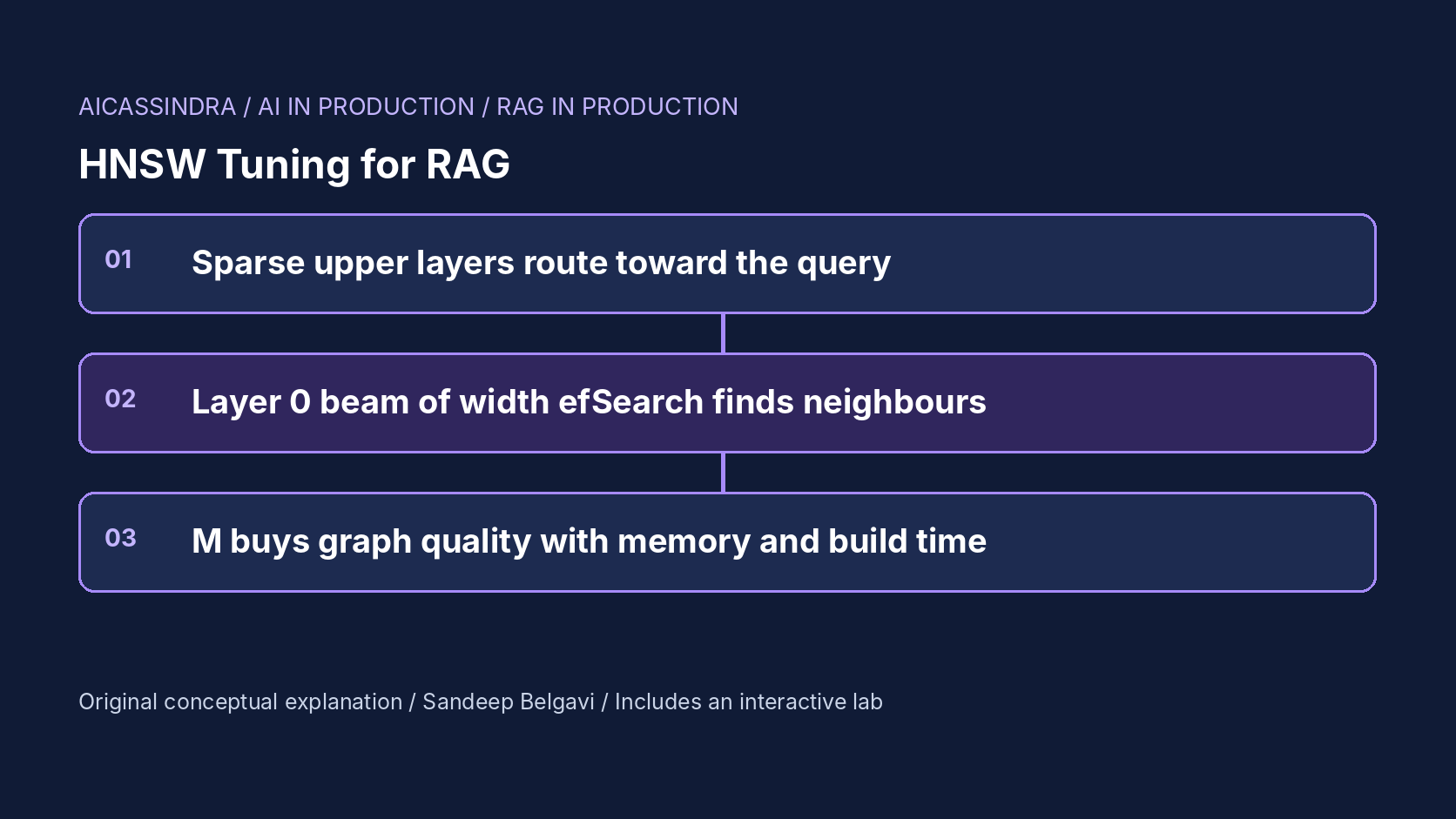
Almost every vector database in production uses some form of Hierarchical Navigable Small World graph: pgvector, Qdrant, Elasticsearch and OpenSearch, Weaviate, Milvus and FAISS all ship an HNSW index. It is popular because it gives high recall at sub-millisecond latency without training, and because it has only three knobs. Those three knobs are also where RAG retrieval quietly loses answers: an ef_search left at a library default, a filter that turns ten results into two, or a graph full of deleted vectors that nobody rebuilt.
This guide explains the mechanism from first principles, works through the arithmetic of memory, search cost and filtered recall, maps the knobs to their names in real systems, and gives a tuning procedure you can run against your own index. The embedded lab builds an actual HNSW graph in your browser over synthetic points and animates the search through its layers, so you can see why each knob does what it does.
The idea: a skip list made of graphs
HNSW, introduced by Malkov and Yashunin, combines two ideas. The first is a navigable small-world graph: connect each vector to a handful of nearby vectors, plus enough longer links that a greedy walk ("move to whichever neighbour is closer to the query") reaches the right region in a few hops. The second is the hierarchy of a skip list. Every vector is assigned a top level drawn from an exponential distribution, level = floor(-ln(U) × mL) with mL = 1 / ln(M). Every vector lives on layer 0, roughly one in M also lives on layer 1, one in M² on layer 2, and so on.
A search starts at the single entry point on the top layer and walks greedily, with a beam of width one, until no neighbour is closer. It then drops to the next layer and repeats from where it stopped. The upper layers are sparse, so each hop covers a long distance; by the time the search reaches layer 0 it is already near the query. On layer 0 it runs a best-first beam search that keeps the efSearch closest vectors found so far and stops when the nearest unexplored candidate is farther than the worst of them. The top k of that beam are the answer.
def search(q, k, ef):
    ep = entry_point
    for layer in range(top_layer, 0, -1):          # sparse layers: greedy, beam 1
        ep = greedy_closest(q, ep, layer)
    candidates = MinHeap([(dist(q, ep), ep)])       # layer 0: beam of width ef
    results = MaxHeap([(dist(q, ep), ep)])
    while candidates:
        d, c = candidates.pop()
        if len(results) >= ef and d > results.worst():
            break                                  # nothing closer is reachable
        for n in neighbours(c, layer=0):
            if unvisited(n) and (len(results) < ef or dist(q, n) < results.worst()):
                candidates.push(n); results.push(n); results.trim(ef)
    return results.best(k)
What M, efConstruction and efSearch control
M is the number of links each vector keeps on the upper layers; on layer 0 the usual limit is 2M. More links mean more routes around dead ends, so recall at a given beam width rises, but every hop evaluates more neighbours, memory grows, and inserts get slower. efConstruction is the beam width used while inserting: a wider beam finds better neighbour candidates, which produces a better graph, at a cost paid once per insert. Inserts also use a diversity heuristic from the paper: a candidate is kept as a neighbour only if it is closer to the new vector than to any neighbour already kept, which preserves links in several directions instead of a tight cluster. efSearch is the beam width at query time. It must be at least k, and it is the only knob you can change without rebuilding.
That last point shapes the whole tuning procedure. M and efConstruction define a graph whose quality is fixed until the next rebuild; efSearch chooses how hard to search that graph for each request. A good default posture is to build a reasonably connected graph once, then set efSearch per workload, even per query class, from a measured recall curve.
| Knob | pgvector | Qdrant | Elasticsearch | FAISS / hnswlib |
|---|---|---|---|---|
| Links per node | m (index option) | hnsw_config.m | index_options.m | M |
| Build beam | ef_construction | ef_construct | ef_construction | efConstruction / ef_construction |
| Query beam | hnsw.ef_search setting | hnsw_ef search param | num_candidates (per shard) | efSearch / set_ef |
Defaults differ by product and release (16 links is a common default for M, with build beams anywhere from about 40 to 200 and query beams from 10 to 100), so check the documentation for the exact version you run rather than assuming two systems with "default settings" are comparable.
The arithmetic: memory, layers and search cost
Memory. For float32 vectors the raw data is 4 × dim bytes per vector: 3,072 bytes at 768 dimensions. Layer-0 links add about 4 × 2M bytes (128 bytes at M = 16), and upper layers add on average 4 × M / (M - 1) more, because the expected number of upper-layer memberships per vector is 1/M + 1/M² + ... = 1/(M - 1). So at 768 dimensions the graph is only about 4% of the index, and doubling M barely moves memory. At 96 dimensions or with quantized vectors, links become a large share and M matters for memory too.
# per-vector bytes, hnswlib-style layout, calculated
dim 768,  M 16 : 3072 (vector) + 132 (layer 0) + ~4 (upper)  = ~3.2 KB  -> ~3.2 GB per 1M
dim 384,  M 6  : 1536 + 52 + ~5                                = ~1.6 KB  -> ~1.6 GB per 1M
dim 96,   M 32 : 384  + 260 + ~4                               = ~0.65 KB -> links are 40% of it

# expected number of layers for N = 1,000,000
M 16 -> log_16(1e6) = ~5 layers     M 4 -> log_4(1e6) = ~10 layers
Search cost. The upper layers contribute a few hops per layer, a handful of distance computations each. Layer 0 dominates: roughly the number of expanded candidates times the neighbours per candidate, which grows with efSearch and with 2M. Each distance at 768 dimensions is 768 multiply-adds plus, often, a cache miss to fetch the vector, so latency is close to proportional to distance computations. That is why the lab reports distances per query and converts them into an estimated latency at the dimension you pick.
Build cost. Each insert runs a search with efConstruction and then the neighbour heuristic, so build time grows with both efConstruction and M. In the lab, raising M from 4 to 16 at the same efConstruction raises distance computations per insert from about 260 to about 1,200: the rebuild you avoid by tuning efSearch is not free.
The recall-latency curve and how to read it
For a fixed graph, recall@k against efSearch is a concave curve: the first increases buy a lot, the last half point costs as much as everything before it. The lab's default data (eight dimensions, 1,250 vectors, two shown on screen) produces this pattern, calculated rather than measured:
| Graph | efSearch | recall@10 | Distances per query |
|---|---|---|---|
| M 4, efConstruction 16 | 10 | 85.8% | 83 |
| M 4, efConstruction 16 | 20 | 94.8% | 115 |
| M 4, efConstruction 16 | 40 | 98.8% | 175 |
| M 8, efConstruction 40 | 10 | 97.7% | 127 |
| M 8, efConstruction 40 | 20 | 99.8% | 180 |
| M 16, efConstruction 40 | 10 | 99.6% | 187 |
Two lessons sit in this table. A sparse graph can reach high recall with a wide beam, and a dense graph reaches it with a narrow one; which is cheaper depends on whether you are paying for memory and build time or for query latency. And the 98.8% and 99.8% rows cost about the same per query, so the graph you built decides where on the curve a given budget lands you. Real indexes at millions of vectors and hundreds of dimensions need larger values than this toy, but the shape is the same, and benchmark suites such as ANN-Benchmarks plot exactly these curves per dataset.
Recall here means agreement with exact nearest neighbours, not answer quality. A RAG system with 95% recall@10 against exact search may lose nothing if the missed vectors were near-duplicates, or lose its best passage. Measure both: index recall against brute force, and downstream retrieval quality against labelled questions.
Filters: where HNSW recall collapses
Production RAG almost always filters: by tenant, permission, language, product or date. The naive way, post-filtering, runs the HNSW search and then drops results that fail the filter. If a fraction s of vectors match, the expected number of survivors from a beam of ef is ef × s. With s = 0.1 and ef = 20 you get two results on average when you asked for ten. To expect ten survivors you need ef ≥ k / s = 100, and more to cover variance: in the lab, post-filtering at 10% selectivity reaches 95.5% recall at efSearch 100 and 99.2% at 120.
The alternative is filtering during traversal: non-matching vectors are still used for navigation but never enter the result set. The result list stays full, but the search has to walk past every non-matching vector it meets, so distance computations rise sharply as selectivity falls. Very selective filters can also disconnect the matching subgraph, which is why engines fall back to exact search over the matching set below some threshold. Qdrant builds payload indexes and decides between filtered HNSW and full scan using a cardinality estimate; Elasticsearch and OpenSearch apply filters during approximate kNN search and can switch to exact search; recent pgvector releases add iterative index scans that keep scanning when filtering removes too many rows. Behaviour and setting names vary by version, so read the filtering section of your engine's documentation and test with your real selectivities.
Deletes, updates and graph decay
HNSW graphs are hard to edit. Most implementations delete by marking a tombstone: the vector stays in the graph as a navigation node and is skipped in results. That keeps the graph connected, but every search pays to visit dead nodes, and results drift as the live data diverges from the structure that was built for it. Updates are usually a delete plus an insert. In the lab, with 40% of vectors tombstoned, recall holds up because the dead nodes still route, but distance computations per query grow because the beam has to fill with live results.
Operationally, track the deleted fraction per index or segment and schedule a rebuild or compaction before it gets large (hnswlib can reuse deleted slots; pgvector relies on vacuum; segment-based engines merge segments). Rebuild time is a function of M, efConstruction and corpus size, so it belongs in capacity planning alongside query latency.
A tuning procedure that holds up
- Sample a few thousand real queries and compute exact top-k neighbours by brute force on a copy of the data, with the same filters production uses.
- Build the index with a sensible starting point (for example M 16 and a build beam of 100 to 200 at 384 to 1,536 dimensions) and sweep efSearch, recording recall@k and p95 latency at each value. Repeat for each common filter selectivity.
- Pick the smallest efSearch that meets your recall target at the selectivities you serve. If no efSearch meets it within the latency budget, rebuild with a larger M or build beam and repeat.
- Re-run the sweep after large ingests, embedding model changes and when the deleted fraction grows.
For the hypothetical Belgavi's Book Store catalog, suppose two million passages at 768 dimensions and a target of 97% recall@10. Memory is about 6.4 GB at M 16 whichever efSearch you choose, so the decision is purely latency: if the sweep shows 97% at efSearch 64 and 99% at efSearch 160 with p95 doubling, the store should serve 64 and spend the saved latency on a reranker, which usually moves answer quality more than the last two points of index recall. These numbers are an illustrative scenario, not a measurement.
Failure modes and common mistakes
- Default efSearch. Some libraries default the query beam to 10 or 16, close to k, which gives noticeably lower recall than teams assume. Always set it explicitly.
- Filtered queries returning short lists. Alert when the number of returned results is below k; it is the cheapest signal that post-filtering is starving the beam.
- Recall measured without filters. An index that scores 99% unfiltered can score far lower for a tenant holding 1% of the data.
- Raising M to fix a query-time problem. It forces a rebuild and slows inserts; try efSearch first.
- Ignoring the distance metric. Cosine, inner product and L2 give different neighbours unless vectors are normalised; the index metric must match how the embedding model was trained.
The lab's missions mirror these. Mission one starts from a sparse graph with efSearch 10 and asks you to reach 97% recall inside a latency budget. Mission two turns on a 10% metadata filter with post-filtering and asks you to fill the result list again, either by oversampling or by filtering in the graph. Mission three moves to harder 12-dimensional data and rewards the cheapest build that meets 98% recall within the latency budget. Mission four adds 40% tombstones and a memory cap, so you must lower M and buy recall back with efSearch.
Run the lab: HNSW tuning: build a graph and race the beam search
The lab below generates synthetic vectors, builds a real HNSW graph over them with the M and efConstruction you choose, and runs 120 queries against exact brute-force answers to compute recall@10. The canvas replays one query: greedy hops through the sparse upper layers on the left, then the efSearch beam spreading across layer 0 in cyan, and finally the true ten nearest neighbours in green (found) or red rings (missed). Two coordinates are drawn; the data dimension setting adds hidden coordinates, which is why some true neighbours look farther than they are.
Prefer a full-width view? Open the standalone lab. Your stars are saved in this browser and shown on the series hub.
What to do next
- Find the effective efSearch (or equivalent) your queries actually use today, and set it explicitly instead of relying on a default.
- Build an exact top-10 ground truth for a few thousand real queries, with production filters applied, and measure index recall.
- Sweep efSearch and plot recall@10 against p95 latency; pick the smallest value that meets your target.
- Measure recall separately for your most selective filters and alert when queries return fewer than k results.
- Track the deleted fraction of each index and schedule rebuilds or compaction before it degrades latency.
- Record M, efConstruction, metric and embedding model version with every index build so results are reproducible.
Sources and further reading
- Efficient and robust approximate nearest neighbor search using Hierarchical Navigable Small World graphs (Malkov and Yashunin)
- hnswlib: header-only C++/Python library for fast approximate nearest neighbors
- pgvector: open-source vector similarity search for Postgres
- The Faiss library (Douze et al., 2024)
- ANN-Benchmarks: A Benchmarking Tool for Approximate Nearest Neighbor Algorithms
- Qdrant documentation: indexing
Related in this series:
- Embedding Quantization: Binary and Int8 Vectors Without Losing Recall
- Permission-Aware RAG: Filtering by Access Control Without Destroying Recall
- Keeping RAG Indexes Fresh: Incremental Updates, Deletes and Tombstones
Diagrams, examples and the lab model are original educational material. Lab numbers are calculated by a synthetic model, not measured on real hardware or services.
Views are my own and do not represent any employer, past or present.