Redis 8.12.0 (22 November 2026) adds per-member set TTLs. Reply codes, GT and LT on persistent members, SADD versus SADDEX, and SCARD lag.
Expiry moves from the key to the member
Redis Open Source 8.12.0 became generally available on 22 November 2026, according to its GitHub release. Among its additions is expiration for individual members of a set: SEXPIRE, SPEXPIRE, SEXPIREAT and SPEXPIREAT set a time to live on one or more members; STTL, SPTTL, SEXPIRETIME and SPEXPIRETIME read it back; SPERSIST removes it; and SADDEX adds members with an expiration in one command. Hashes gained the equivalent capability for fields in earlier releases. Until now, a set with members that should disappear at different times needed either one key per member or a companion sorted set of deadlines and a cleanup job.
The release notes summarise the feature in a line. The command pages on redis.io carry the rules that decide whether code built on it behaves as intended, and several of them are easy to get wrong. This guide works through those rules with a small synthetic use case, a set of temporary holds on books in Belgavi's Book Store, and an interactive lab that replays any sequence of commands on a timeline. The companion Python model reproduces every example printed on the SEXPIRE, STTL, SPERSIST and SADDEX pages, which is how its semantics were checked. Neither the model nor the lab was run against a Redis 8.12 server, so treat them as an aid to reading the documentation rather than as a substitute for testing against a server.
The reply codes
SEXPIRE takes a key, a time to live in seconds, an optional condition, and then MEMBERS followed by a count and the member names. It returns one integer per member.
redis> SADD holds BK-1001 BK-1002
(integer) 2
redis> SEXPIRE holds 900 MEMBERS 3 BK-1001 BK-1002 BK-1003
1) (integer) 1
2) (integer) 1
3) (integer) -2
redis> STTL holds MEMBERS 3 BK-1001 BK-1002 BK-1003
1) (integer) 900
2) (integer) 900
3) (integer) -2
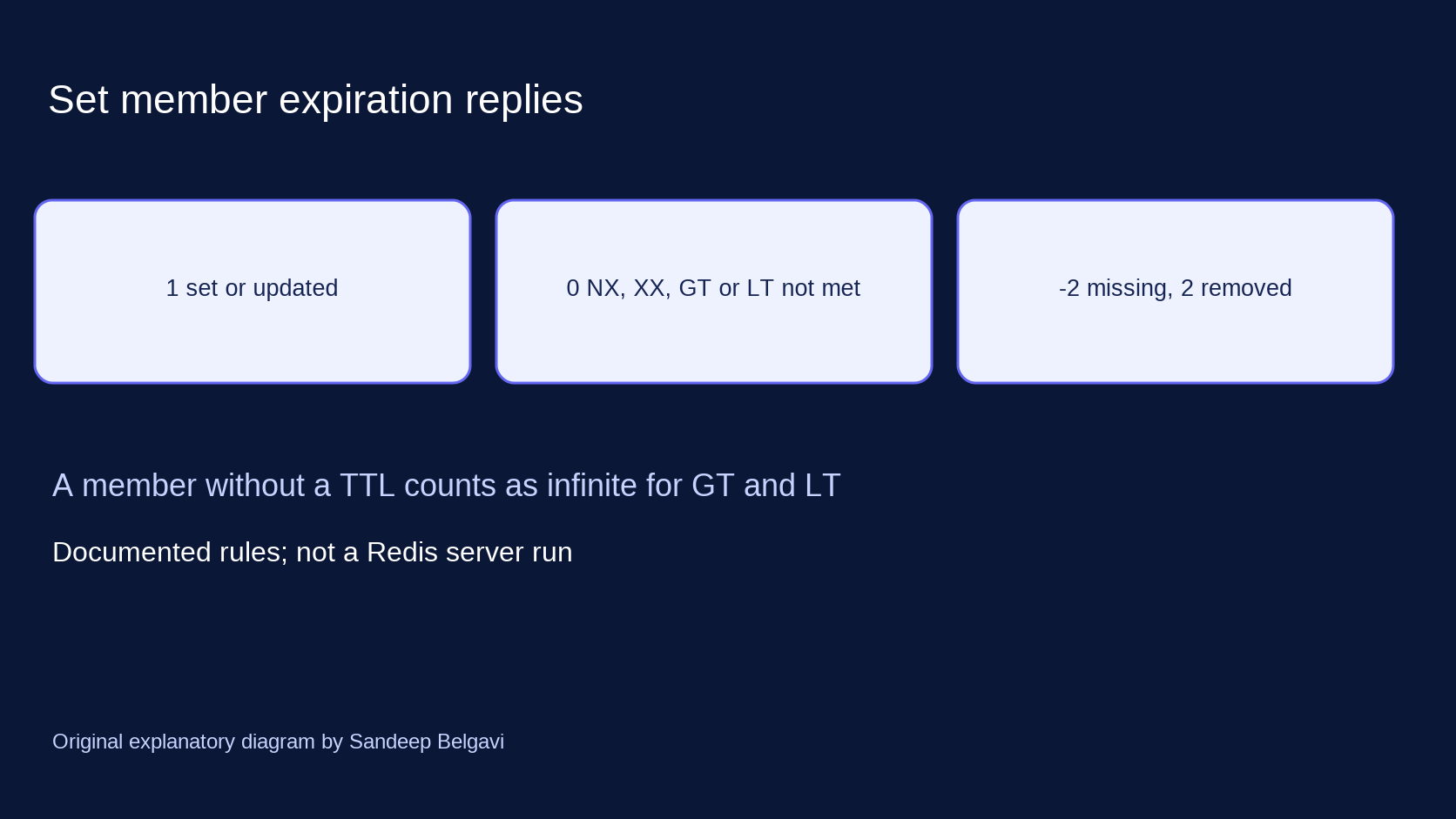
A reply of 1 means the expiration was set or updated. A reply of -2 means the member, or the whole key, does not exist; SEXPIRE does not create members. A reply of 0 means the NX, XX, GT or LT condition was not met. A reply of 2 means the member was removed because the time to live was zero, or, for the AT variants, a time in the past. If that removal empties the set, the key itself is deleted. STTL returns the remaining seconds, -1 for a member with no expiration, and -2 for a missing member.
These are per-member results inside one array reply. Code that checks only whether the command succeeded will miss a -2 for a member it assumed existed.
Conditions, and how no expiration compares
The four conditions are mutually exclusive. NX applies the expiration only when the member has none. XX applies it only when the member already has one. GT applies it only when the new expiration is greater than the current one, and LT only when it is less.
The documentation adds the rule that causes surprises: for GT and LT, a member with no expiration is treated as having an infinite time to live. A persistent member therefore never accepts SEXPIRE GT, because no finite value is greater than infinity, and always accepts SEXPIRE LT, because every finite value is less.
The intuitive reading of GT is "only extend, never shorten", and on members that already have a time to live that is what it does. But if a code path calls SEXPIRE GT to refresh holds and some members were added without an expiration, those members silently stay persistent forever, with a 0 reply each time. If the intent is "set an expiration if there is none, otherwise only extend", that takes two calls: NX for members without one, then GT. The companion model includes this case and the lab's preset named "GT on a persistent member" replays it step by step.
SADD and SADDEX treat an existing TTL differently
The redis.io page for SEXPIRE states that only commands that remove a member clear its expiration, such as SREM, and that SADD leaves the time to live of an existing member untouched. Re-adding a held book with SADD does not make the hold permanent, and it does not refresh it either.
SADDEX behaves differently, and its page is explicit about it: SADDEX applies its expiration option to every member listed, new and existing, and without an expiration option it adds members with no time to live and discards the time to live of any member that already had one. The documented example adds a member with EX 300, then calls SADDEX on it with no options, and STTL returns -1.
In the companion model a hold created with SADDEX EX 900 still reports 900 seconds after a plain SADD, and reports -1 after a plain SADDEX. Swapping SADD for SADDEX in a refactor, perhaps to gain the MNX or MXX conditions, changes expiry behaviour for existing members unless KEEPTTL is passed. KEEPTTL keeps the time to live of existing members and adds new members with none. The EX, PX, EXAT, PXAT and KEEPTTL options are mutually exclusive, and combining two returns an error.
MNX and MXX apply to the whole member list, not per member. MNX adds only if none of the listed members exist, and MXX updates only if all of them do; otherwise the command does nothing and returns 0.
Expired is missing, mostly
Other set commands treat a member whose time to live has passed as missing, even before Redis reclaims it. The documentation names one exception: SCARD can count expired members that have not yet been removed. A dashboard that reports active holds with SCARD can therefore over-count for a while after a burst of expiries, while SISMEMBER and SMEMBERS are already correct.
If an accurate live count matters, compute it from a command that filters expired members, or maintain it separately. The lab shows both numbers after each step, labelled as SCARD's upper bound and the live count.
Designing with member expiry
Member expiry fits sets whose members have independent lifetimes and where the set is read as a whole: holds, recently seen identifiers, temporary allowlists, deduplication windows. For Belgavi's Book Store, a holds set per customer lets Jenya and Tanishka each keep a few books reserved for 15 minutes, with each reservation expiring on its own schedule, and one SMEMBERS call returns the current holds.
It does not replace a scheduler. Expiry removes a member; it does not notify application code that the hold expired so the book can be released elsewhere. If an action must happen at expiry, keep a deadline in a sorted set or a durable queue and process it, and use member expiry only for the view.
Compatibility matters for mixed fleets. The command pages mark these commands as available since Redis Open Source 8.12.0 and, at the time of reading, list them as not yet supported on Redis Software or Redis Cloud. Code shared between deployments needs a capability check, not an assumption.
One naming detail from reading the sources: the 8.12.0 release notes list a command called SETPERSIST, while the command reference documents SPERSIST, and only the SPERSIST page exists. This guide follows the command reference.
Verification
Before relying on member expiry, run each reply case against a real 8.12 server in a test: the -2 for a missing member, the 0 for each condition, the 2 for a zero time to live, the key deletion when the last member is removed, the SADD and SADDEX difference, and GT on a persistent member. The companion test file lists those cases with the replies the documentation predicts, so it can be pointed at a server with a small adapter and the predictions checked line by line.
Interactive experiment
Set member expiration: NX, XX, GT and LT on a timeline. Synthetic browser-local fixtures, adjustable inputs, decision traces and JSON export.