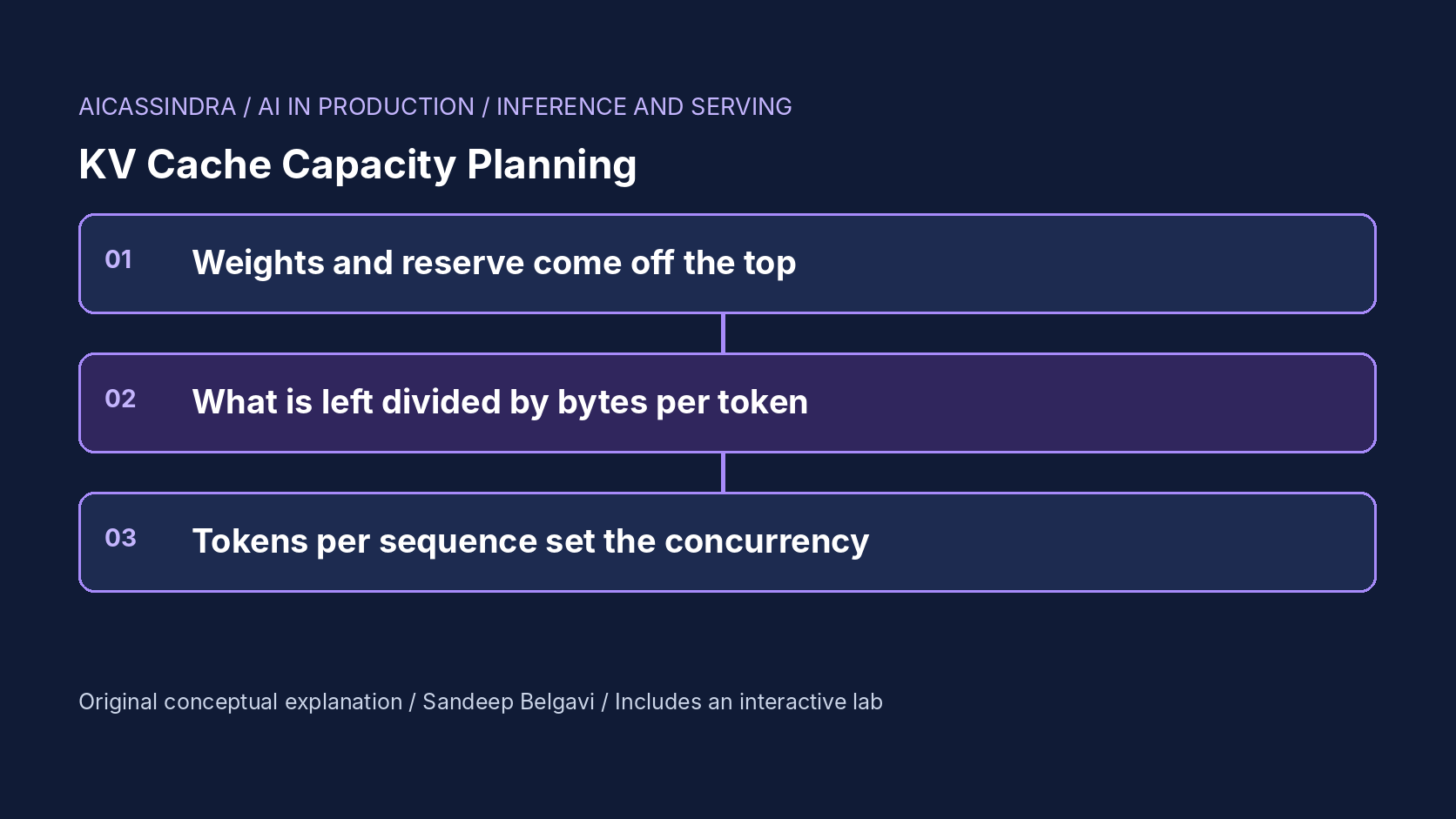
"How many users can one GPU serve?" is the first capacity question anyone asks about an LLM deployment, and the usual answers (a benchmark number, a vendor slide, a colleague's config) rarely survive contact with your own traffic. The honest answer comes from a short chain of arithmetic: how much memory is left for the KV cache after the weights, how many bytes each token of context costs, how many tokens each active request holds, and how long each request stays active. Every link in that chain is something you can compute or measure.
This guide walks through that chain with real model shapes: the KV budget equation and the knobs that move it (memory fraction, KV dtype, tensor parallelism, model architecture), the conversion from tokens to concurrent sequences with Little's law, the step from sequences to users, and the places where memory is not the binding limit at all. The lab lets you split a GPU's memory, pick a model, dtype, tensor parallel degree and replica count, and run synthetic traffic to see whether the plan holds.
The budget equation
An inference server's GPU memory goes to four places: the model weights, activations and temporary buffers for the largest forward pass it will run, runtime overheads (CUDA context, communication buffers, captured graphs), and the KV cache, which gets whatever is left. Servers such as vLLM make this explicit. You give a fraction of total GPU memory the instance may use; it loads the weights, profiles a forward pass to find peak activation memory, and assigns the rest to KV blocks.
kv_bytes_per_gpu   = gpu_mem * util_fraction - weights_per_gpu - activation_peak - runtime_overhead
kv_bytes_per_token = 2 * layers * kv_heads * head_dim * kv_dtype_bytes          (whole model)
kv_tokens_per_replica = kv_bytes_per_gpu * tp / kv_bytes_per_token

# 8B GQA model (32 layers, 8 KV heads, head_dim 128), BF16 weights and FP16 KV, one 80 GB GPU
usable          = 80 * 0.90           = 72 GB
weights         = 8e9 params * 2 bytes = 16 GB
reserve         ~ 2 GB                  (activations + overhead; measure yours)
kv              = 72 - 16 - 2          = 54 GB
per token       = 2*32*8*128*2         = 131,072 bytes = 128 KiB
kv tokens       = 54 GiB / 128 KiB     = 442,368 tokens  (the lab treats GB as GiB)
The reserve is the number people get wrong. It grows with the per-step token budget (a larger max_num_batched_tokens means larger activations), with CUDA graph capture, and with tensor-parallel communication buffers. Do not guess it: start the server and read the KV size it reports. Recent vLLM versions log the KV cache size in tokens and the maximum concurrency that implies for the configured maximum length; older ones log the number of GPU blocks. Record that line for every model, GPU and configuration you run.
Bytes per token: the architecture decides
The per-token cost varies by more than an order of magnitude between models of similar size, and it is fixed by architecture choices you cannot tune at serving time:
| Model shape (illustrative) | Layers | KV heads × dim | KV per token, FP16 | FP8 | Tokens per 54 GB |
|---|---|---|---|---|---|
| 8B, grouped-query attention | 32 | 8 × 128 | 128 KiB | 64 KiB | 442k (FP16) |
| 8B, full multi-head attention | 32 | 32 × 128 | 512 KiB | 256 KiB | 111k (FP16) |
| 70B, grouped-query attention | 80 | 8 × 128 | 320 KiB | 160 KiB | 177k (FP16) |
Grouped-query attention (GQA) shares each key-value head across several query heads; with 8 KV heads instead of 32, the cache is four times smaller for the same depth and width, and most recent open models use it. Multi-head latent attention, introduced with DeepSeek-V2, goes further by caching a compressed latent instead of full keys and values. Quantising the cache to FP8 halves the bytes again; servers expose it as a KV dtype option (for example --kv-cache-dtype fp8 in vLLM), usually with per-tensor scales. FP8 KV is generally a small quality cost, but it is not zero for every model and task, so evaluate it on your own test set before turning it on in production.
From tokens to concurrent sequences
A KV pool of 442,000 tokens is not 442,000 users. Each running sequence holds its whole context: the prompt plus everything generated so far. Paged allocation means you only pay for tokens that exist (see the PagedAttention guide in this series), so the capacity in sequences is the pool divided by the context tokens a typical sequence holds over its life, which is the prompt plus about half the output on average:
held_per_sequence ~ prompt_tokens + output_tokens / 2
max_sequences     ~ kv_tokens / held_per_sequence

chat:          prompt 1,800, output 300 -> ~1,950 held -> 442k / 1,950 ~ 225 sequences
long context:  prompt 24,000, output 300 -> ~24,150 held -> 442k / 24,150 ~ 18 sequences
That gap is why a long-context launch is a capacity event even when traffic volume stays flat. Plan with a high percentile of context length, not the mean: what matters is the moments when many long requests are active together, because that is when the pool runs out and the scheduler starts preempting. Also note that capacity in sequences is an upper bound set by memory. Your batch limit (max_num_seqs or equivalent) and your per-token latency target may cap concurrency well below it.
From sequences to users: Little's law
To connect memory to traffic, use Little's law: the average number of requests in the system equals the arrival rate times the average time each request spends there.
active_sequences = request_rate * time_per_request
time_per_request ~ TTFT + output_tokens * TPOT

8 req/s, 300 output tokens, ~13 ms per token, ~0.3 s TTFT
  time_per_request ~ 0.3 + 300 * 0.013 = 4.2 s
  active_sequences ~ 8 * 4.2           = ~34     (the lab reports ~32 decoding on average)
  KV held          ~ 34 * 1,950 tokens = ~66k tokens of a 442k pool -> 15% used
Users are not requests. A person chatting sends a request, reads the answer, thinks, and sends another; only while a request is in flight does it hold KV (unless prefix caching keeps the history warm, which is reusable memory, not a reservation). If each user sends a request every 40 seconds on average and each request is active for about 4 seconds, one active sequence corresponds to about ten concurrent users. A replica sustaining 34 active sequences therefore serves roughly 340 concurrent chat users with this traffic shape, calculated rather than measured. Change the answer length, the think time or the context length and the number moves in proportion; that proportionality is the useful part.
Tensor parallelism changes the memory picture
Tensor parallelism (TP) splits each layer's weights across several GPUs, and it splits the KV heads too. Two consequences follow. First, weights per GPU fall in proportion to TP while the reserve per GPU stays roughly constant, so the KV pool grows faster than linearly when weights dominate memory. On 24 GB GPUs an 8B model at TP1 leaves about 3.6 GB for KV per GPU (29k tokens); at TP2 each GPU holds 8 GB of weights and about 11.6 GB of KV, and the replica has 190k tokens, six and a half times as much on twice the GPUs. Second, TP adds communication on every layer and only helps up to the number of KV heads: with 8 KV heads and TP16, heads are replicated rather than split, and the per-GPU saving stops.
Replicas behave the opposite way: each replica carries its own full copy of the weights, so adding replicas adds KV only in the memory left after weights. The choice between more replicas and more TP is therefore not only about latency. When weights take most of a GPU, TP turns weight memory into KV memory; when weights are small relative to the GPU, replicas avoid communication overhead and give more independent capacity. Mission three in the lab asks exactly this with four 24 GB GPUs: four TP1 replicas each starve for KV, while one TP2 replica on two GPUs serves the same traffic.
When memory is not the limit
KV capacity only matters while it binds. A decode step must stream the weights and the active KV from memory, so per-token latency depends on memory bandwidth and on how much KV is read per step; prefill depends on compute. Once the KV pool is large enough, adding more of it buys nothing, and the binding constraint becomes TPOT or TTFT. The lab shows this repeatedly: a 70B model on four 80 GB GPUs has room for about 459,000 tokens per replica, far more than 6 requests per second need, yet two such replicas miss a 40 ms TPOT target because each step streams 35 GB of weights per GPU. One TP8 replica, or larger and faster GPUs, fixes it.
| Symptom | Binding limit | Typical fix |
|---|---|---|
| KV usage near 100%, preemptions, TTFT queueing | KV capacity | Higher memory fraction, FP8 KV, more TP, shorter max context, more replicas |
| KV usage moderate, TPOT above target | Memory bandwidth per step | Smaller batch limit, more TP, faster GPU, quantised weights |
| KV usage moderate, TTFT above target, prefill busy | Prefill compute | Prefix caching, chunked prefill tuning, more replicas or a prefill pool |
| Server refuses to start | Weights do not fit | More TP, larger GPU, quantised weights |
Knobs, and what to check in your version
- Memory fraction. vLLM's
--gpu-memory-utilization(0.9 by default) is a fraction of total GPU memory for this instance, weights included. SGLang's--mem-fraction-staticplays a similar role; TensorRT-LLM uses a fraction of free memory for the KV cache. The definitions differ, so read your server's documentation. - Maximum context length.
--max-model-len(vLLM) must fit at least one sequence in the pool; setting it far above real traffic does not reserve memory under paging, but it sets the worst case the scheduler must survive. - KV dtype.
--kv-cache-dtypeselects FP8 variants in vLLM and SGLang; TensorRT-LLM supports FP8 and INT8 KV quantisation in its build or LLM API configuration. - Batch and token limits.
--max-num-seqsand--max-num-batched-tokenscap concurrency and, through activation size, the reserve. - Offload. Some stacks can extend the cache into CPU memory or storage for reuse; this helps prefix reuse, not the active working set of a decode step.
Flag names and defaults change between releases. Verify every one against the version you deploy, and confirm the effect in the startup log rather than trusting the arithmetic alone.
Detecting capacity trouble in production
Capacity problems announce themselves in a predictable order, and you can catch them early if you export the right signals. Servers report KV cache usage as a percentage of the pool, the number of running and waiting requests, and preemption counts; vLLM exposes these on its Prometheus endpoint, and other servers have equivalents (check the metric names for your version). Watch them together, because each alone is ambiguous.
The first sign of a KV limit is KV usage that touches the high nineties during peaks while the waiting queue starts to grow even though decode steps are fast. The second is preemption: sequences evicted and recomputed, which shows up as TTFT spikes and wasted prefill work. The third is a rising share of requests whose first token takes seconds while TPOT looks normal. By contrast, if KV usage stays moderate while TPOT climbs, you are bandwidth-bound and more memory will not help; if KV usage is moderate and prefill is saturated, TTFT is a compute problem.
Two habits make planning far easier. First, recompute the budget whenever anything in the chain changes: a model swap (even to one of the same parameter count), a new KV dtype, a different GPU type, a changed batch limit, or a product change that lengthens prompts. Second, keep a short capacity sheet per deployment with the KV tokens reported at startup, the measured p95 context per request, the active-sequence count at peak and the resulting headroom. When a launch is planned, the sheet tells you in minutes whether it fits.
A worked plan: Belgavi's Book Store assistant
The hypothetical Belgavi's Book Store plans an assistant on an 8B GQA model. Expected peak: 8 requests per second, prompts around 1,800 tokens with retrieved context, answers of 300 tokens, p95 TTFT under 2 seconds and p95 TPOT under 40 ms. On one 80 GB GPU at a 0.9 memory fraction, the pool is about 442k tokens; Little's law says about 34 sequences are active at once, holding about 66k tokens, so memory is at 15% and the bottleneck will be TPOT, which the lab's model puts at about 22 ms at p95. One GPU suffices, with headroom for bursts.
Then the team copies a memory fraction of 0.3 from a shared-GPU experiment. The pool drops to 49k tokens: one long request plus a handful of chat turns. Queues grow without bound and the scheduler preempts repeatedly. That is mission one. Six months later, product launches 16k to 32k-token contexts for a quarter of requests on a different model with full multi-head attention; at 512 KiB per token the pool holds only a few such sequences and TTFT climbs to six seconds at just one request per second. FP8 KV doubles capacity and brings TTFT back under two seconds without new hardware, which is mission two. Every number is calculated with the lab's illustrative constants; the method is what carries over.
Common mistakes
- Sizing from the mean context length instead of the percentile that coincides with peak traffic.
- Counting users as sequences, which overstates memory needs for chat and understates them for agents that keep long contexts active.
- Raising the memory fraction to the limit and leaving no room for activation spikes, which then fail at the first large prefill.
- Adding replicas when weights dominate a small GPU, instead of tensor parallelism that converts weight memory into KV memory.
- Buying more KV when the real limit is bandwidth or prefill compute: check KV usage before you scale for memory.
Run the lab: KV capacity planner: from gigabytes to concurrent users
The lab computes the KV pool from the GPU class, memory fraction, model, KV dtype and tensor parallel degree, then runs one replica's share of sixty seconds of synthetic traffic with paged allocation and chunked prefill. The bar on the left shows how each GPU's memory is split, with live KV usage animating in green; the chart shows KV usage and queue length over time. Start with the default 8B model on one 80 GB GPU, then work through the missions.
Prefer a full-width view? Open the standalone lab. Your stars are saved in this browser and shown on the series hub.
What to do next
- For each model you serve, compute KV bytes per token from its config (layers, KV heads, head dimension, dtype) and write it in the deployment notes.
- Read the KV capacity and maximum-concurrency line from your server's startup log for every model, GPU and TP combination you run.
- Pull p50, p95 and p99 of prompt and output length from logs, and compute tokens held per sequence at the percentile that matches peak traffic.
- Apply Little's law to peak request rate and request duration to get active sequences, then compare with the pool and with your batch limit.
- Evaluate FP8 KV on your own quality suite; if it passes, treat it as a capacity lever before buying GPUs.
- Alert on KV usage, preemptions and queue length together, so you can tell a memory limit from a bandwidth or prefill limit.
Sources and further reading
- Efficient Memory Management for Large Language Model Serving with PagedAttention (SOSP 2023)
- GQA: Training Generalized Multi-Query Transformer Models from Multi-Head Checkpoints
- DeepSeek-V2: A Strong, Economical, and Efficient Mixture-of-Experts Language Model (multi-head latent attention)
- vLLM documentation: engine arguments
- Hugging Face Text Generation Inference: launcher arguments
Related in this series:
- PagedAttention Block Tables: How vLLM Ends KV Cache Fragmentation
- Grouped-Query Attention: How Sharing KV Heads Shrinks Inference Memory
- Tensor or Pipeline Parallelism for Serving: Choosing How to Split a Model
Diagrams, examples and the lab model are original educational material. Lab numbers are calculated by a synthetic model, not measured on real hardware or services.
Views are my own and do not represent any employer, past or present.