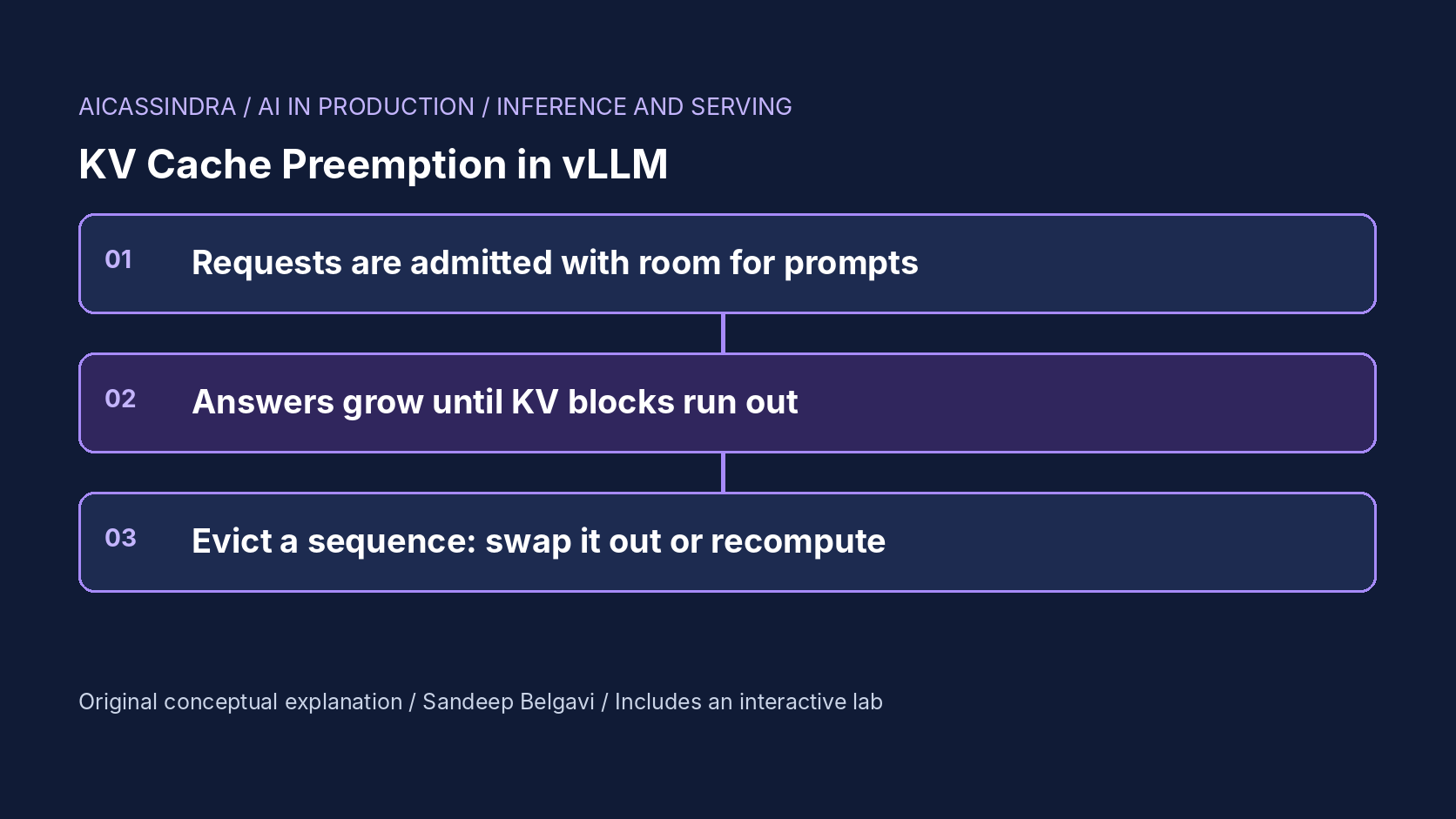
A paged KV cache lets an inference server pack many more sequences onto a GPU than reserving memory for every request's maximum length ever could. The price is that admission is optimistic. A request is admitted when there is room for its prompt, and nobody knows how long its answer will be. When the running sequences grow into the last free block, the scheduler has to take memory back from someone, mid-generation.
This guide explains that preemption mechanism as vLLM implements it: why it happens, which sequence is evicted, what the swap and recompute recovery modes each cost in bytes and milliseconds, and how the symptoms look in production metrics. It covers the knobs that actually prevent preemption (KV capacity, concurrency and token budgets) and the failure modes that make it worse. The embedded lab runs a block-level scheduler on synthetic traffic so you can watch the cache fill, overflow and recover.
How much KV cache a token costs
Every generated or prompt token leaves a key and a value vector in every layer. For a model without grouped-query attention the cost per token is:
bytes per token = 2 (K and V) * layers * hidden_size * bytes_per_element

7B-class model, 32 layers, hidden 4096, FP16:
  2 * 32 * 4096 * 2 B = 524,288 B = 0.5 MiB per token
same model with an FP8 KV cache: 0.25 MiB per token
a GQA model with 8 KV heads of 128 dims: 2 * 32 * 1024 * 2 B = 128 KiB per token
Now the memory budget. vLLM pre-allocates a fraction of GPU memory set by --gpu-memory-utilization, loads the weights, profiles activation memory, and turns the rest into KV blocks of a fixed number of tokens (16 by default). On a 48 GB GPU with that fraction at 0.60, about 28.8 GB is in play; after 13.5 GB of FP16 weights and roughly 2 GB of activations and runtime overhead, about 13.3 GB remains for KV, which is about 26,600 tokens or 1,700 blocks. If an average request carries an 850-token prompt and a 250-token answer, the cache holds roughly 24 concurrent requests. These are calculated, illustrative figures; your profile will differ.
That number, not the GPU's compute, is what limits concurrency on many deployments. And it is not fixed per request: a sequence admitted at 900 tokens needs a new block every 16 generated tokens, so the cache fills from the inside as answers grow.
Why preemption happens: optimistic admission
A paged scheduler allocates blocks on demand. At admission it reserves blocks for the prompt (plus, in some versions, a small watermark of spare blocks). It does not reserve the answer, because the answer length is unknown and reserving max_tokens for everyone would waste most of the cache. This is the right default: it is what lets PagedAttention reach high utilisation. It also means that, under load, the free pool can reach zero while every running sequence still wants one more block.
At that point the scheduler must preempt. vLLM evicts whole sequences (all of their blocks, never a partial cache), and it picks victims from the end of the running queue: the most recently admitted or lowest-priority request goes first, so older requests keep making progress and first-come-first-served order is broadly preserved. The evicted request goes back to the front of the waiting queue. Its user sees the stream stop, sometimes for seconds.
each scheduler step:
    need = number of running sequences whose next token starts a new block
    while need > free_blocks:
        victim = running.pop_last()            # latest admitted / lowest priority
        if mode == SWAP and cpu_space >= victim.blocks:
            copy victim's blocks GPU -> CPU    # PCIe transfer inside this step
            swapped.append(victim)
        else:                                  # RECOMPUTE
            free victim's blocks               # KV is discarded
            waiting.push_front(victim)         # later: prefill prompt + generated tokens
    resume swapped sequences, then admit waiting ones, while blocks allow
    run one step for everything that is running
Swap versus recompute: the cost of bringing a sequence back
The two recovery modes trade different resources. Swap copies the victim's blocks to pinned CPU memory and copies them back when space frees up. Its cost is PCIe traffic: a 1,100-token sequence at 0.5 MiB per token is about 550 MB each way, roughly 30 ms in each direction at an effective 20 GB/s, plus per-block overhead because a block's data is spread across every layer. The copies happen as part of a scheduler step, so every running sequence waits for them, and CPU swap space is finite (the older engine defaulted to a few GiB through --swap-space).
Recompute throws the victim's KV away. When the request is readmitted, its prompt and the tokens it had already generated are concatenated and processed again as one prefill. The cost is GPU compute: at an illustrative 0.12 ms per prefill token, 1,100 tokens is about 130 ms of work, but prefill is efficient batched compute and, with chunked prefill, it is spread across steps instead of freezing everyone at once. The PagedAttention paper compared both and found their overheads comparable at typical block sizes, with swapping suffering at small block sizes because transfers become many small copies.
| Swap | Recompute | |
|---|---|---|
| Resource used | PCIe bandwidth and CPU memory | GPU compute (prefill) |
| Who waits | All running sequences during the copy step | Mostly the victim; others see extra prefill work |
| Gets worse when | The link is shared or slow, sequences are long | Sequences are long and the GPU is compute bound |
| Hard limit | Swap space can fill | None, but work is repeated |
Recent vLLM releases built on the V1 engine use recomputation as the preemption mechanism; the documentation explains that its overhead is lower in that architecture. The swap-related options belonged to the older engine and may be absent or ignored in current versions, so check your version's documentation before relying on them.
Optimistic versus guaranteed admission
vLLM's design is not the only possible one. The alternative is pessimistic admission: reserve enough blocks for each request's prompt plus its full max_tokens before admitting it, so a running sequence can never be evicted. TensorRT-LLM exposes this choice directly as a scheduler capacity policy, with a guaranteed-no-evict mode alongside a maximum-utilisation mode that can pause requests; check the current documentation for the exact names and behaviour in your version. Other servers make similar choices in their admission logic.
The arithmetic shows why optimistic admission is usually the default. Suppose max_tokens is 1,500 and the average answer is 250 tokens. A guaranteed reservation holds 850 + 1,500 = 2,350 tokens per request against an average final footprint of about 1,100, so the same cache admits fewer than half as many requests and most of the reserved blocks are never written. Optimistic admission doubles concurrency and pays for it with occasional preemption. The balance shifts when max_tokens is close to the typical answer length (structured outputs, short classifications), when latency consistency matters more than throughput, or when preemption is frequent enough that repeated work erases the gain. In those cases a tight max_tokens plus guaranteed admission can beat optimistic packing, and a lower concurrency cap in vLLM approximates the same behaviour.
What preemption looks like in production
Preemption is easy to miss because averages hide it. Throughput barely moves and mean latency rises only a little. The damage is concentrated: a few requests stall for one or more seconds mid-stream, and the work they repeat (recomputed prefill, or PCIe copies) eats capacity exactly when the server is busiest. Under sustained pressure it becomes a storm: evicted requests are readmitted, grow, and are evicted again.
The signals to watch are specific. vLLM logs a warning when a request is preempted because of insufficient KV cache space, with a cumulative count, and exposes a preemption counter and a KV cache usage gauge through its Prometheus metrics (metric names have changed between versions, so confirm them against your deployment's /metrics output). Track the preemption rate per thousand requests, the KV usage gauge pinned near 100%, the p99 and maximum gap between streamed tokens rather than mean inter-token latency, and the share of requests that paused for more than a second. A rising waiting queue while KV usage is pinned is the signature of a memory-bound server, not a compute-bound one.
The knobs that prevent it
The fixes fall into three groups: more KV capacity, less demand on it at once, and shorter worst cases. Flag names and defaults change between releases, so treat this table as the questions to answer and check your version's documentation:
| Lever | vLLM option | Effect and cost |
|---|---|---|
| Memory share for KV | --gpu-memory-utilization | More blocks; less room for anything else on the GPU |
| Bytes per token | --kv-cache-dtype fp8 | Roughly twice the tokens; validate accuracy first |
| Spread the model | --tensor-parallel-size | Weights split across GPUs leave more memory for KV |
| Concurrency | --max-num-seqs | Fewer running sequences, so less growth; longer queues |
| Per-step tokens | --max-num-batched-tokens | Bounds prefill per step; also bounds how fast new work is admitted |
| Worst-case length | max_tokens per request, --max-model-len | Caps how far any one sequence can grow |
| Shared prefixes | --enable-prefix-caching | Repeated system prompts share blocks instead of duplicating them |
The vLLM tuning guidance for frequent preemption points in the same direction: give the KV cache more memory (raise the utilisation fraction, or shard the model across more GPUs) or reduce how much is in flight (lower the concurrent sequence or batched token limits). The lab also exposes an admission headroom slider, which keeps a reserve of free blocks when admitting new requests. It is a modelling knob, similar in spirit to a block-manager watermark; in a real server you get the same effect indirectly through the concurrency and token limits above.
The trade-off: headroom versus queueing
Every way of avoiding preemption by holding work back moves the wait from mid-stream to the queue. A larger reserve, or a lower concurrency cap, means fewer evictions but a longer time to first token when traffic rises. Too little reserve and running requests are evicted and repeated; too much and the GPU idles with free blocks while users wait to start. Between them there is usually a band of settings where neither problem dominates, and its position depends on the output-length distribution and the arrival rate, which is why copying another team's limits rarely works. Find it empirically: replay a realistic arrival trace at your peak rate, step the concurrency or token limits down from the value that preempts, and stop at the first setting where the preemption counter stays near zero; then confirm that p95 time to first token at that setting still meets the target.
Only added capacity escapes the trade-off: more memory for KV, fewer bytes per token, or another replica. That is why the first question in a preemption incident should be whether the cache is simply too small for the traffic, and the second whether output lengths changed. A prompt change that doubles typical answer length halves effective concurrency overnight, with no change in request rate.
A worked example: Belgavi's Book Store
The hypothetical Belgavi's Book Store runs a 7B assistant on one 48 GB GPU, sharing the card with an embedding service, so the inference server gets 60% of memory. Traffic is about 1.5 requests per second with 850-token prompts (catalogue context) and 250-token answers. The calculated KV capacity of about 26,600 tokens holds roughly 24 requests, and in steady state about 21 are running: comfortable most of the time, but random clusters of long answers push the cache to 100% and the server logs a few dozen preemptions per thousand requests.
Then a prompt change makes answers more detailed, around 600 tokens on average. Each request now needs about 1,450 tokens at the end, capacity falls to roughly 18 requests, and the server spends its afternoons evicting and recomputing: preemption counts in the hundreds per thousand requests, and over a tenth of users see a pause of more than a second. The options, in order of preference: cap max_tokens at what the product actually needs; switch the KV cache to FP8 after an accuracy check, which roughly doubles capacity; negotiate more memory from the co-located service; and only then trade queueing for stability with lower concurrency. All numbers here are illustrative.
Common mistakes, and how the lab maps to them
The common mistakes are: raising --max-num-seqs to fix throughput on a server that is already memory bound, which only increases preemption; leaving max_tokens unbounded; reading mean inter-token latency instead of the tail and the preemption counter; choosing swap on a host where the PCIe link is shared with other GPUs or network traffic; and assuming a load test with fixed short outputs reflects production, when the real output-length distribution decides how fast the cache fills.
In the lab, mission one starts in a preemption storm and asks for the least extra memory that ends it. Mission two puts the swap mode on a slow PCIe link where every swap freezes all streams. Mission three makes answers longer overnight. Mission four keeps memory fixed on a shared GPU through a traffic burst and asks you to find the band of admission headroom where neither preemption nor queueing breaks the latency target.
Run the lab: KV pressure: preempt, swap or recompute without stalling
The lab simulates two minutes of synthetic traffic on one 48 GB GPU serving a 7B model with a paged KV cache. The top chart shows KV blocks in use over time, with red ticks where the scheduler preempted a sequence; the strip below shows the waiting queue (and, in swap mode, sequences parked in CPU memory). The bar at the bottom follows a playhead through the run. Start with the default settings, then load mission one.
Prefer a full-width view? Open the standalone lab. Your stars are saved in this browser and shown on the series hub.
What to do next
- Find your server's preemption counter and KV cache usage gauge in its metrics endpoint and add both to the serving dashboard.
- Compute bytes of KV per token for your model and the resulting token capacity at your current memory setting; compare it with p95 prompt plus output length times typical concurrency.
- Set an explicit max_tokens for every client from the product's real needs, and alert when the output-length distribution shifts.
- Alert on the p99 and maximum gap between streamed tokens and on the share of requests that paused over a second, not only on mean latency.
- Evaluate an FP8 KV cache on your task set; if accuracy holds, it is the cheapest capacity you can add.
- Confirm which preemption mode your server version uses and, if it swaps, whether the PCIe path is shared with other devices.
Sources and further reading
- Efficient Memory Management for Large Language Model Serving with PagedAttention (SOSP 2023)
- vLLM documentation: engine arguments
- vLLM source code and scheduler (GitHub)
- Taming Throughput-Latency Tradeoff in LLM Inference with Sarathi-Serve (OSDI 2024)
Related in this series:
- PagedAttention Block Tables: How vLLM Ends KV Cache Fragmentation
- KV Cache Capacity Planning: How Many Concurrent Users Fit on One GPU
- Continuous Batching Explained: Why Static Batches Leave GPUs Idle
Diagrams, examples and the lab model are original educational material. Lab numbers are calculated by a synthetic model, not measured on real hardware or services.
Views are my own and do not represent any employer, past or present.